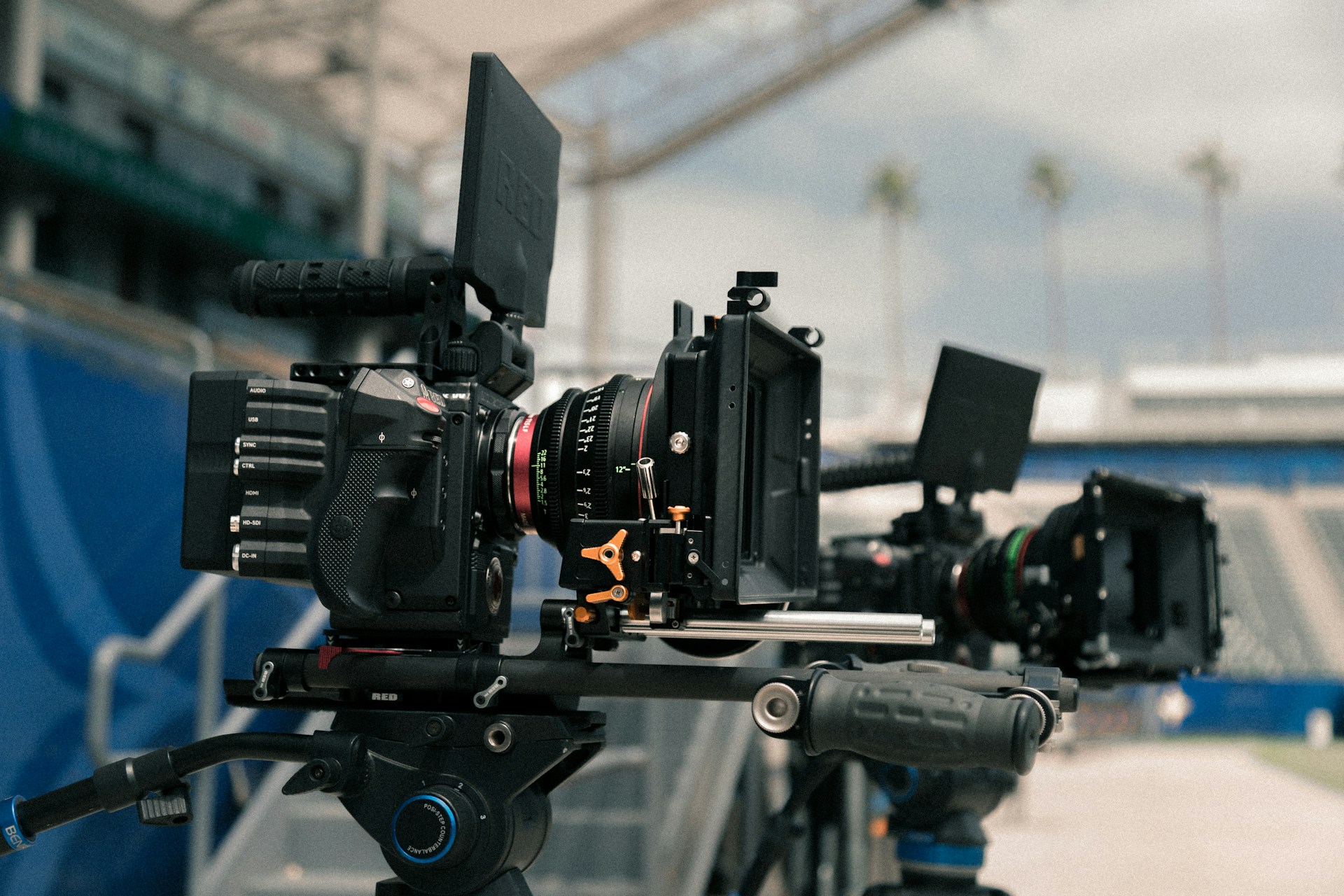
Smartphones have revolutionized the way we capture life’s moments. With advanced camera technology, you no longer need expensive equipment to produce high-quality videos. However, knowing a few key tips can make a world of difference in transforming your smartphone footage from amateur to professional. Here are ten essential tips to help you shoot professional-looking videos with your smartphone.
1. Clean Your Lens
Before you start filming, always clean your smartphone’s lens. A dirty lens can create blurry or hazy images, ruining your video quality. Use a microfiber cloth to gently wipe the lens, ensuring clear and sharp footage.
2. Use Natural Light
Lighting is crucial in videography. Whenever possible, shoot in natural light. Position your subject facing a window or shoot outside during the golden hour—the hour after sunrise or before sunset—when the light is soft and flattering. Avoid shooting in harsh midday sun to prevent unflattering shadows.
3. Stabilize Your Shots
Shaky footage can distract viewers. To achieve stable shots, use a tripod or a smartphone stabilizer. If you don’t have either, use both hands to hold your phone and keep your elbows close to your body for added stability.
4. Frame Your Shots Properly
Proper framing can greatly enhance the visual appeal of your videos. Use the rule of thirds by dividing your screen into a 3×3 grid and placing your subject along these lines or at their intersections. This technique creates balanced and engaging compositions.
5. Focus and Exposure
Smartphones often struggle with automatic focus and exposure. Tap on your subject to lock focus and adjust the exposure manually to ensure your subject is well-lit and sharp. This prevents unwanted focus shifts and exposure changes during filming.
6. Record in Landscape Mode
For a more cinematic feel, always shoot in landscape mode. It utilizes the full screen and looks better on larger displays. Avoid vertical videos unless you’re creating content specifically for social media platforms like Instagram Stories or TikTok.
7. Use External Microphone
Good audio is just as important as good video. Built-in smartphone microphones are often not the best. Invest in an external microphone for clearer and crisper sound. This can significantly improve the overall quality of your videos.
8. Edit Your Videos
Editing is where your video truly comes to life. Use editing apps like Adobe Premiere Rush, iMovie, or even built-in smartphone editors to trim, adjust colors, add music, and more. Editing helps polish your footage and gives it a professional touch.
9. Be Mindful of Backgrounds
A cluttered or distracting background can take attention away from your subject. Choose simple and clean backgrounds that enhance, rather than detract from, your subject. This helps maintain a professional look throughout your video.
10. Plan Your Shots
Lastly, plan your shots before you start filming. Create a shot list or storyboard to organize your ideas and ensure you capture all the necessary footage. This preparation can save time and make the editing process smoother.
Put These Tips into Practice
Shooting professional-looking videos with your smartphone is entirely achievable with the right techniques and a bit of practice. By following these tips, you’ll be well on your way to creating stunning videos that impress your audience. So grab your smartphone, start filming, and watch your videography skills soar!